
Drawing and editing pictures
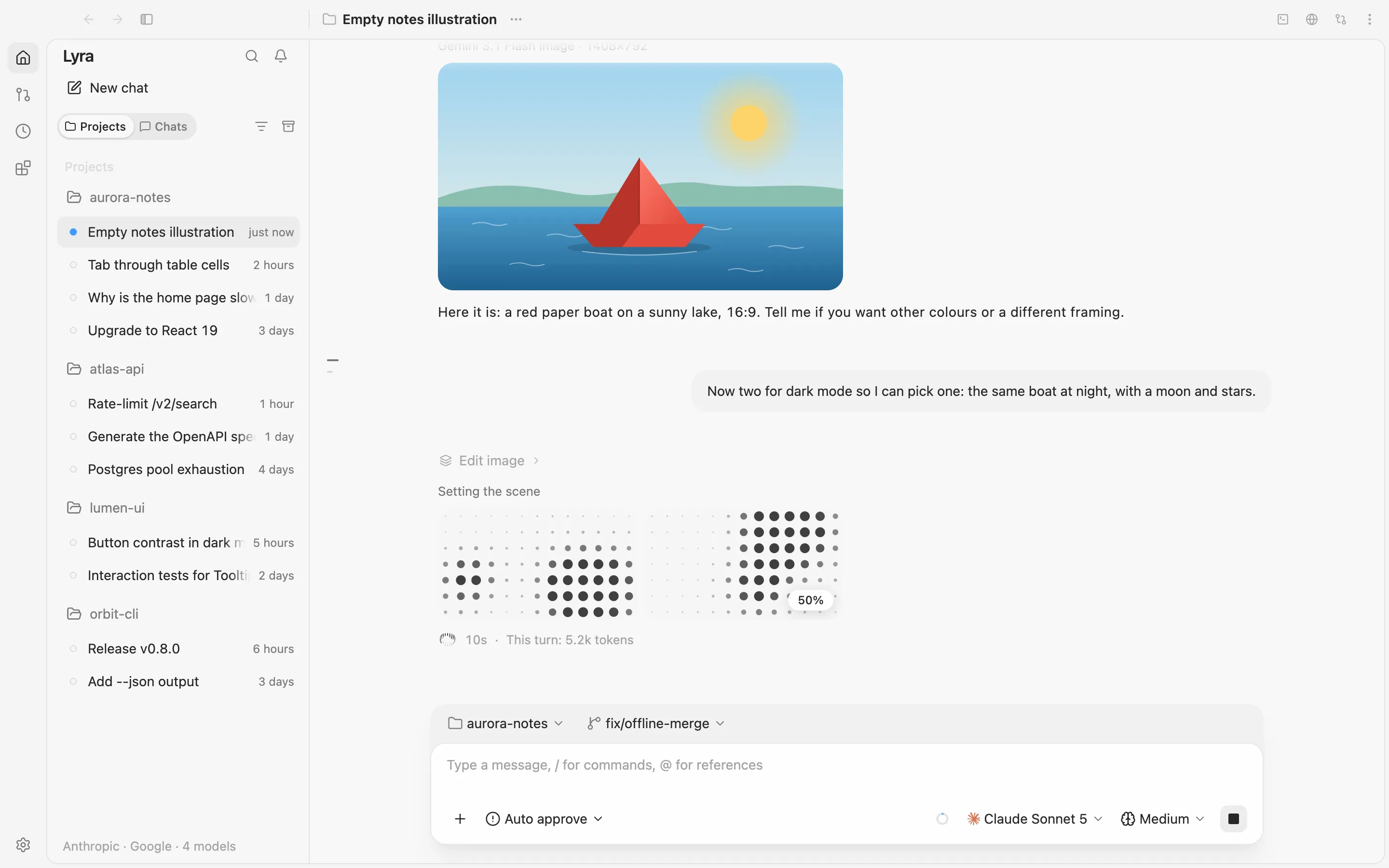
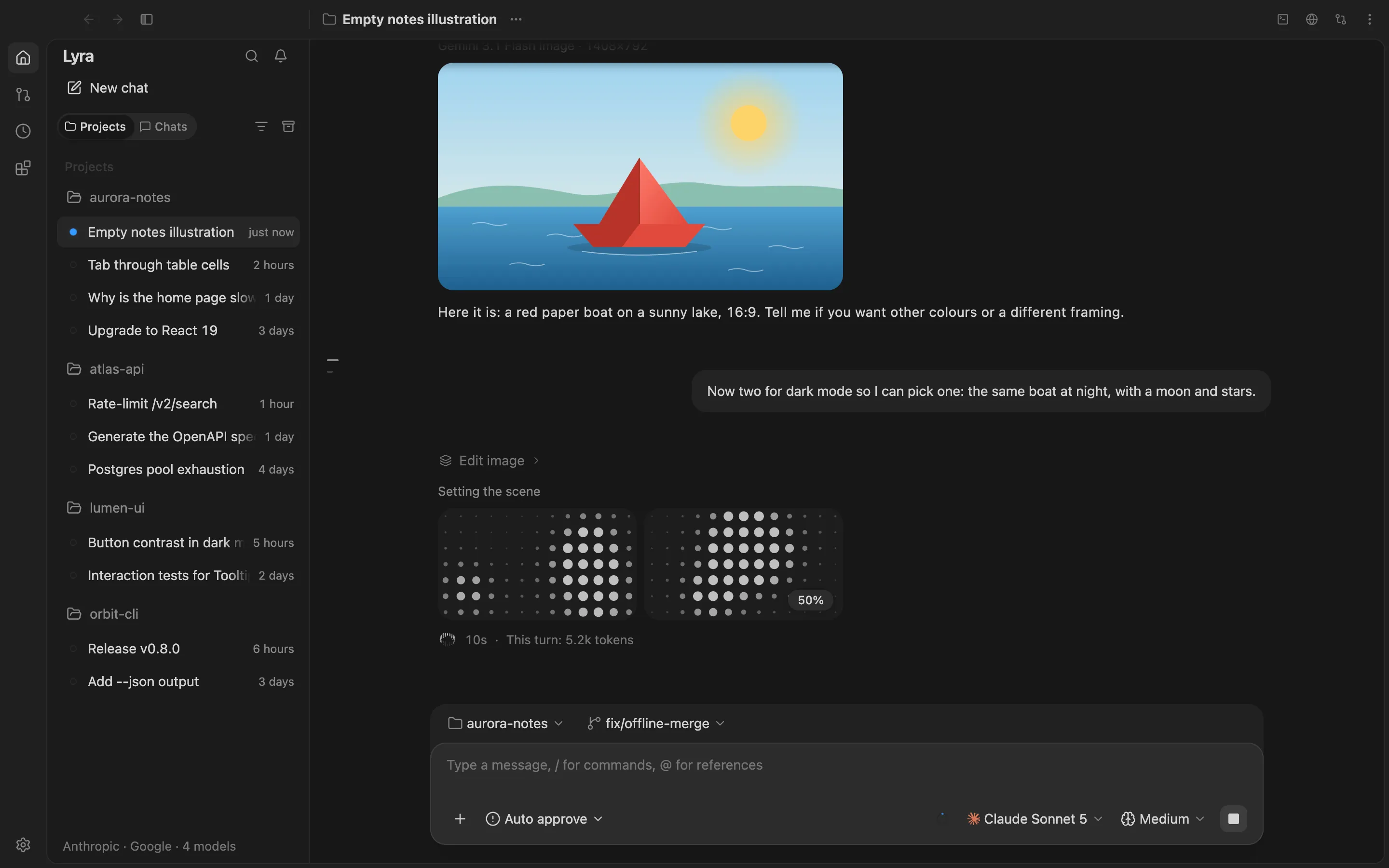
Say “draw…” or “turn this one into a night scene” and the conversation model calls image_generate. It writes the brief from what the chat already holds, says which pictures to work from, and hands it to your image model. The picture appears in the conversation.
Add an image model
Section titled “Add an image model”- Settings → Models → pick a provider → Add a model, and enter the model ID:
gpt-image-1,gemini-3.1-flash-image,dall-e-3,imagen-4.0-generate-001,flux-1.1-pro,doubao-seedream-4-0and so on. - For names that say they draw, the model editor sets Used for to Images by itself. For one that doesn’t (say,
house-artist), pick it yourself. Image models don’t show up among conversation models. - Click the test button on its row. It really draws one small picture, and that call is billed.
Which one is used
Section titled “Which one is used”With one image model, that one. With several, pick the default under Settings → Subagents → Session → Image model, or choose Make default image model in a provider’s model list; with none picked, the first one is used.
A conversation can use another one. Either way, the change applies to that conversation only:
- The wand in the composer. With two or more image models, or two or more video models, a wand appears beside the model button; hover it to see which ones are in use. Its menu has an Image model and a Video model section, each with Follow the default at the top. Once the conversation has its own pick, the wand turns to the accent colour, and a pick that differs from the default gets a Make default image model row. Picked before there is a conversation, it sets the default.
- Naming one. @-mention a model in a message (the
@menu has an Image and video models group), or just say “draw it with gpt-image-1”. Later pictures in that conversation use it too. Name two in one message, to compare them, and the conversation keeps the model it had.
While it draws
Section titled “While it draws”- The picture’s place is held at its final shape by a field of drifting dots, with the current step above it (“Making the first draft”, “Setting the scene”) and a percentage in the corner.
- No image endpoint reports progress, so the percentage is an estimate from how long that model usually takes, and it waits at 96% until the picture is really there. Nothing below it moves when it lands.
- Ask for several and up to four are drawn side by side. If one fails, you still get the others.
- Say “16:9”, “a portrait phone wallpaper” or “a square avatar” and the model picks the shape; ask for “high resolution” or “4K” for more detail.
Changing a picture
Section titled “Changing a picture”- Paste it into the composer and say what to change, or point at one already in the chat: the newest is
#1, the one before it#2. - Hover a picture for Edit, Again and Download. Edit opens it in the annotation tool: circle what should change and press Done, and the marked-up copy goes into this conversation’s composer with the caret after it. Say what to change and send; the image model redraws it from your marks. Pictures you sent yourself can be marked up the same way.
- Download saves the original file, named like
lyra-image-2026-10-11-21-58-03.png.
Again, with another model
Section titled “Again, with another model”Again offers two things:
- Redraw with another image model, keeping the prompt and the reference pictures. The model that drew this one is marked in the list.
- Make it a video with a video model, starting from this picture, which goes along as an attachment. See Making videos.
With one image model and no video model, the button isn’t there. Once you pick, Lyra sends a message in the conversation for you (“Redraw this picture with @model…”), and the new picture lands in the chat like the first one. If the composer holds something you haven’t sent, the message is added after it and waits for you to send it.
When a picture fails
Section titled “When a picture fails”The card says why:
| The card says | What to do |
|---|---|
| gpt-image-1 is out of quota · Resets in about 1h 53m | Wait, or switch to another image model. This isn’t retried |
| This key can’t use gpt-image-1 | The relay limits this key by group (403 model_not_allowed). Allow the model for the key in the relay’s console, or switch the provider’s address to a group that includes it, such as https://your-relay/group1 |
| The request was refused under the content policy | Sending it again is refused the same way. Rephrase it, or leave out what the policy objects to |
| Connection hiccup — retrying | Network trouble gets two more tries at most; then the card reports instead of spinning |
Good to know
Section titled “Good to know”- Every picture drawn in any conversation is kept in Studio on the left-hand rail, along with how each one was arrived at. See Studio.
- Every picture is a billed call to the image model’s provider. Settings → Usage doesn’t count drawing yet.
- Lyra tries OpenAI’s Images API first (
/v1/images/generations,/v1/images/edits). If a provider doesn’t answer there, it falls back to Chat Completions with the picture inside the reply (the OpenRouter shape), and remembers which one worked. - Pictures are stored in
~/.lyra/session-media/and are still there when you reopen the chat. - The phone app doesn’t show pictures drawn in a conversation.
- A picture drawn by a subagent stays in its own pane, not in the main conversation.