
Split view
Put up to four conversations side by side in one window. Each keeps its own terminal, browser, files and other panes.
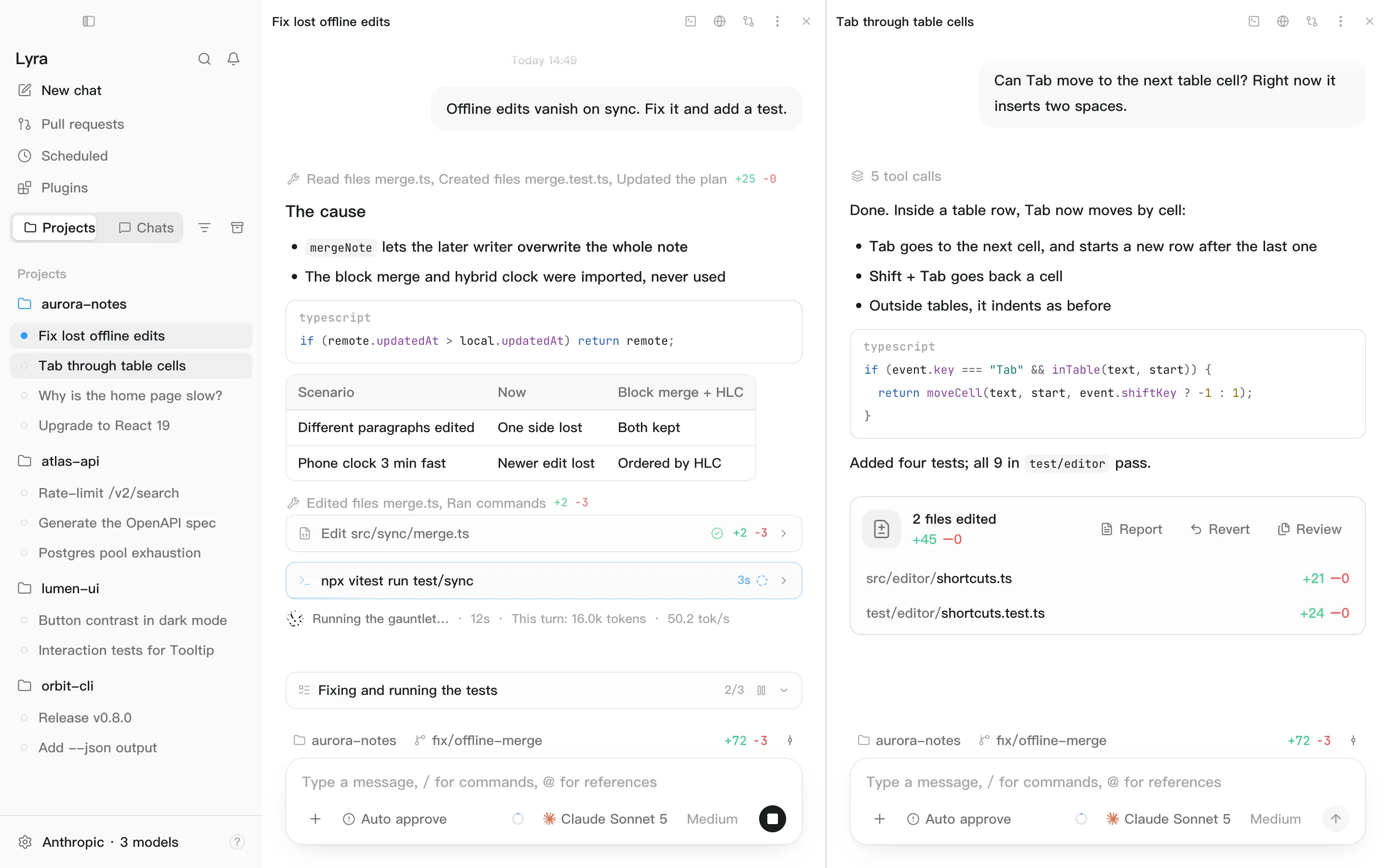
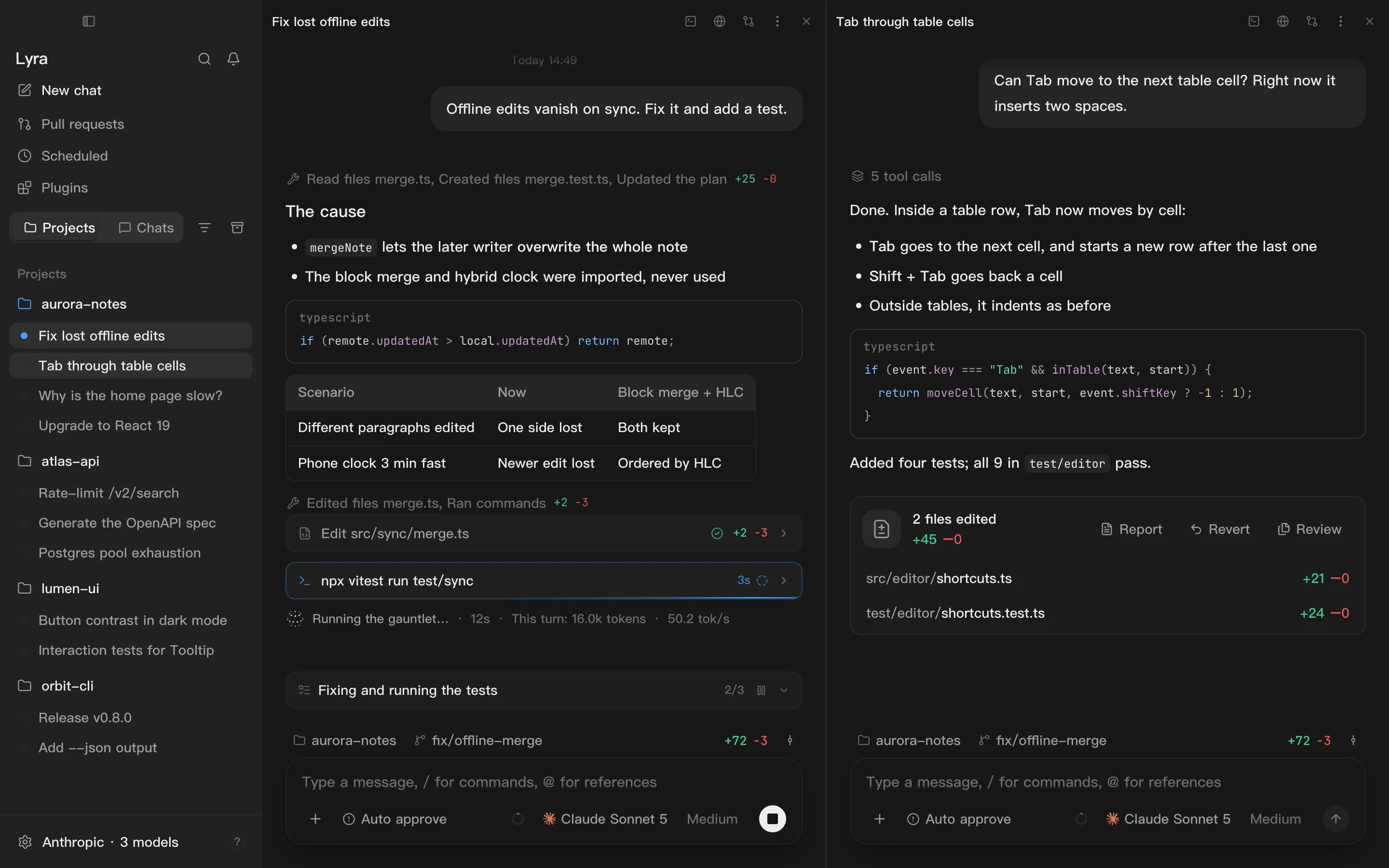
Opening a split
Section titled “Opening a split”- From the menu: right-click a conversation in the sidebar → Open in → Split view. It’s added as a new column; if there’s no width for that, an existing screen with room is split, and failing that it opens in a new window.
- By dragging: drag a conversation from the sidebar onto a screen. Whichever edge you’re nearest is where it lands.
With four screens already open, dropping another one replaces the screen under the pointer. If a screen is too narrow to split and stay readable, Lyra tells you there’s no room Next release
Rearranging
Section titled “Rearranging”| To | Do this |
|---|---|
| Move a screen | Drag the small bar at the top centre of it, or right-click the conversation and use options like Move split view left |
| Resize | Drag the divider between screens; double-click it to even them out |
| Close a screen | Click Close pane in its title bar. The conversation itself is untouched |
| Give it a window of its own | Right-click the conversation → Open in → New window |
Good to know
Section titled “Good to know”- Panes belong to conversations. Browser tabs, terminals and open files are separate for each screen.
- Everything stays readable. A chat is at least 420 px wide and each pane at least 300 px. If the window gets too narrow, extra panes move into windows of their own, and come back when there’s room.
- The layout is remembered, including across restarts.