
Subagents
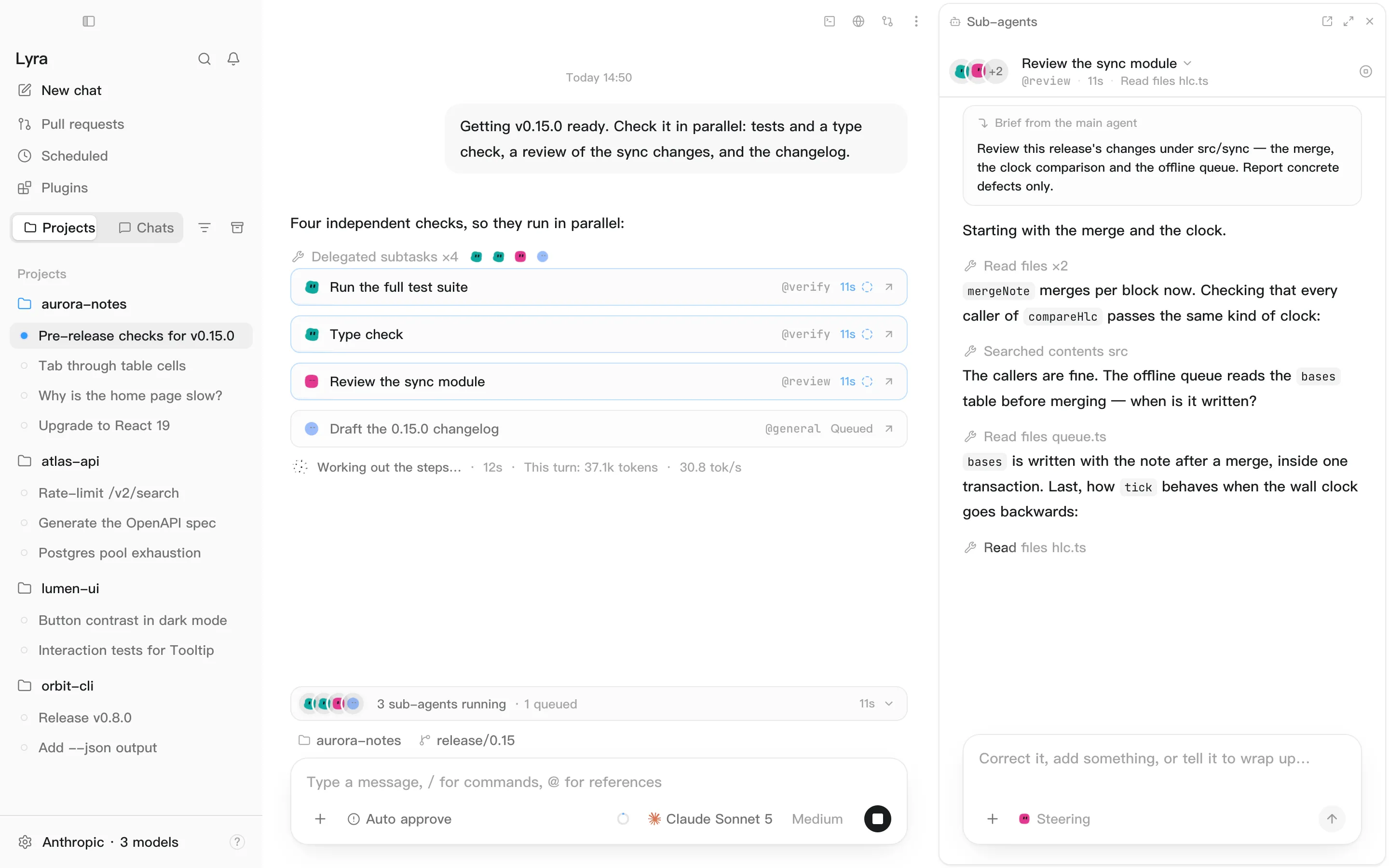
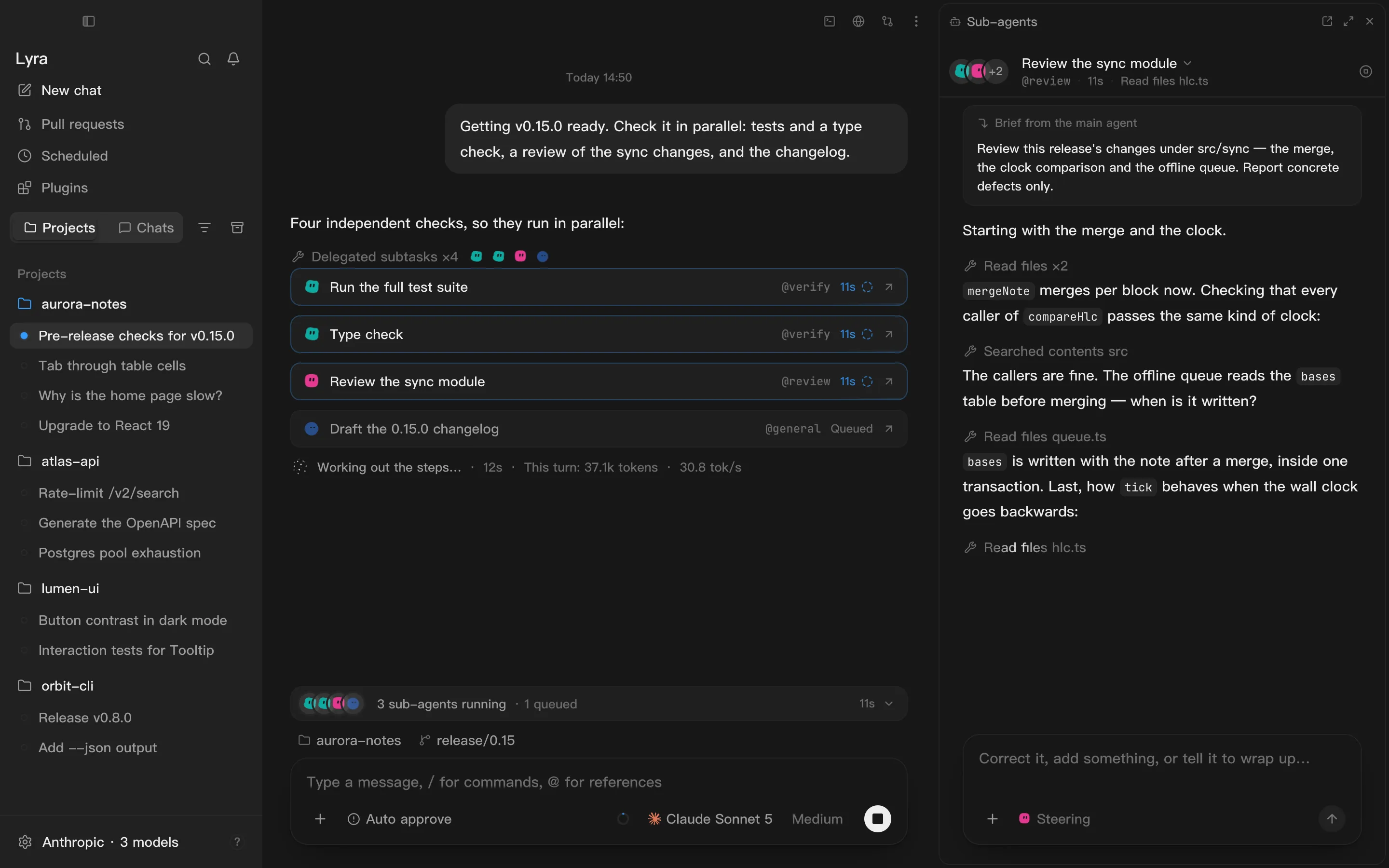
The main agent uses the task tool to hand work to a subagent. A subagent has its own context window, so a long search doesn’t fill up your conversation — only the result comes back. It’s ideal for work like “read twenty files and find where X is defined”: a long process with a short answer.
The seven built-ins
Section titled “The seven built-ins”| Name | Good at |
|---|---|
general |
General research and code changes |
explore |
Read-only search and finding code |
review |
Spotting defects and risks |
verify |
Running checks and reporting results |
plan |
Read-only analysis and implementation plans |
simple |
Small, well-bounded changes, done start to finish |
reason |
Hard problems that need thinking before doing |
Using them
Section titled “Using them”- Let the model decide. Whether to delegate, and how much, follows the eagerness set under Settings → Delegation.
- Ask by name. Write
@explorein your message, or pick it from the@menu, and this turn sends work to it — even if eagerness is set to Never delegate. - Watch progress. The strip above the composer shows how your subagents are doing.
⌥⌘Aopens the Sub-agents pane with each one’s full transcript. - Steer or stop one. Message a subagent from the pane to correct it, add context or tell it to wrap up — or stop just that one. The main agent and the rest carry on.
- Speak up any time. Next release When you send a message, the main conversation stops waiting; subagents keep going in the background and their results are delivered when they finish.
Checkpoints and resuming Next release
Section titled “Checkpoints and resuming ”Every so often (60 turns by default) a subagent pauses to check itself. If its checklist is still moving, it keeps going. If not, it writes a handoff and stops with its context kept. Click Ask the main agent to continue it in the pane and it picks up where it left off, with everything it already read — no fresh start.
Settings
Section titled “Settings”| Where | What you can change |
|---|---|
| Settings → Delegation | Eagerness — Never delegate, Sparing, Selective, Eager, Unrestrained — or follow the thinking level (the default). How many run at once: 1–8, default 4; the rest queue |
| Settings → Subagents | The model and thinking level for each agent, and your own agents |
Define your own
Section titled “Define your own”In Settings → Subagents, click New subagent and fill in its name, purpose, instructions and allowed tools. Or write a Markdown file in your project’s .lyra/agents/ or in ~/.lyra/agents/; the project’s copy wins:
---name: reviewerdescription: Review a diff and report only real problemstools: [read, grep, glob]---
You are reviewing code. Only report issues that cause incorrect behaviour…| Field | Purpose |
|---|---|
name |
What you call it by; defaults to the file name |
description |
What the main agent reads to decide whether to send it |
tools |
Restrict it to these tools; omit for all |
model |
Pin a model; omit to follow the conversation |
max-turns Next release |
How many turns between checkpoints; default 60 |
The body is its system prompt. It can’t see your conversation with the main agent, so include whatever background it needs.