
Vault and credentials
When a conversation needs a password, an SSH key or a token, the value goes to Lyra and not to the model. The model gets a name, such as nas-root, and uses the credential by that name.
The credential card
Section titled “The credential card”When the model needs a credential (it calls request_credential), a card marked Provide a credential appears above the composer. Its title is the model’s, such as “Root password for the NAS”.
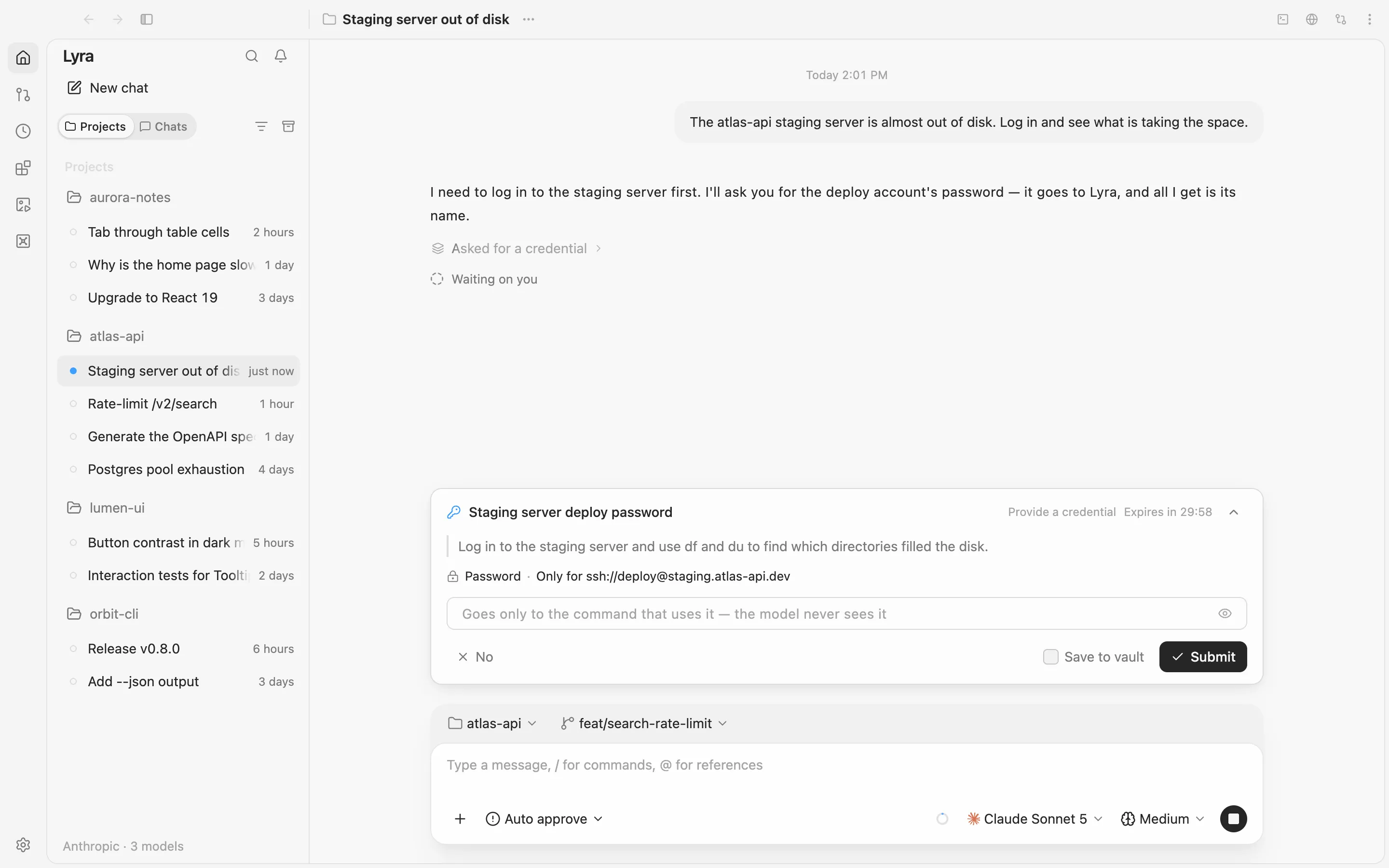
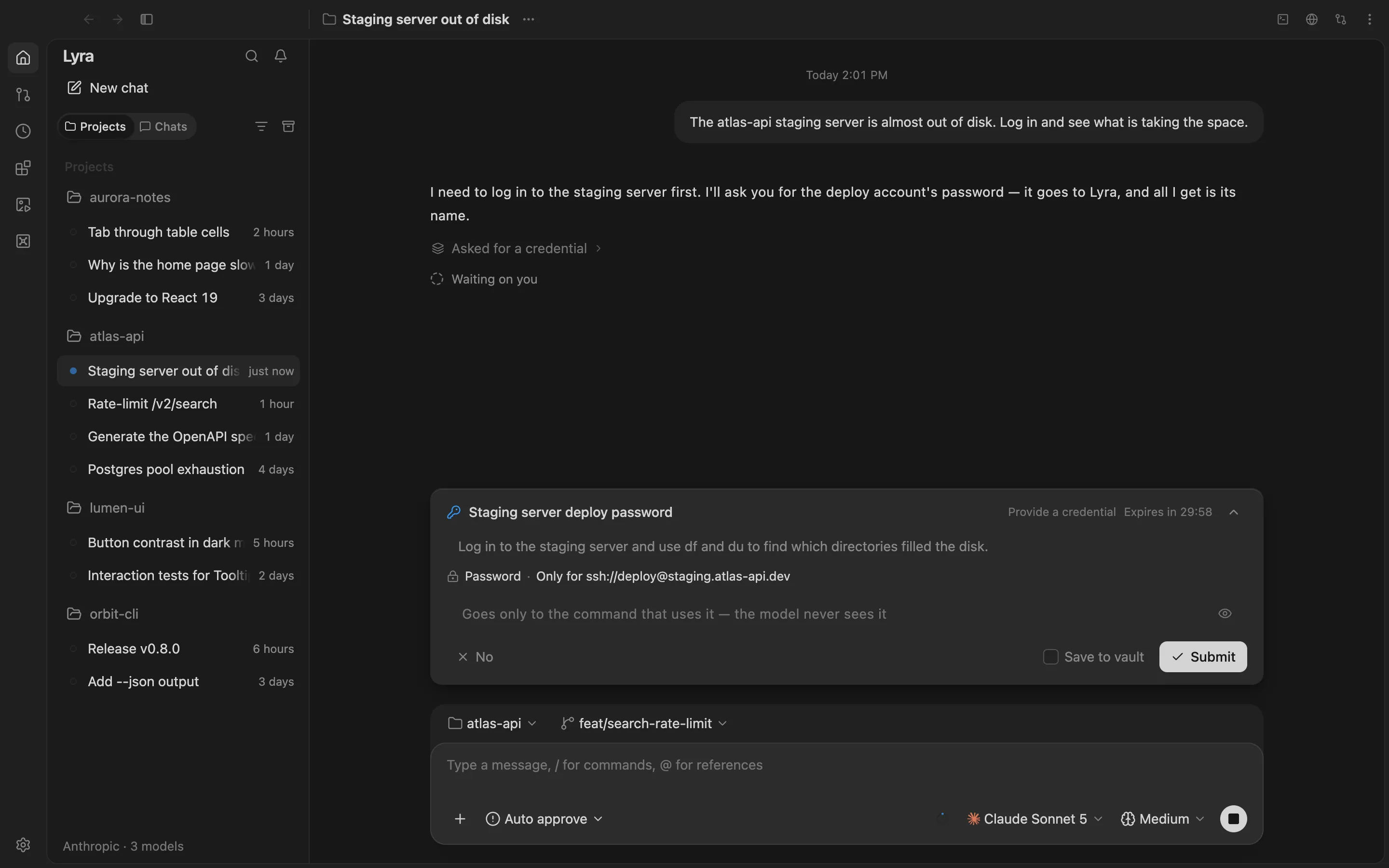
- At the top is the model’s own sentence about what it’s for. The model wrote it, and it may be wrong.
- The line under it is Lyra’s: the kind (Password, Login, Token or SSH key) and where it may be used, such as “Only for ssh://root@nas”. That line is what’s enforced.
- Fill it in and press Submit. Tick Save to vault to keep it for later conversations; leave it unticked and it’s good for this conversation only.
- If the Vault already holds one under the same name and kind, the card says Saved in the vault: press Use saved, or Enter a new one.
- Press No to refuse. The model is told not to ask you to paste it into the chat.
For an SSH key, paste the whole private key (it starts with -----BEGIN), plus its passphrase if it has one. A wrong entry is named on the card: a public key, a wrong passphrase, or something that isn’t a private key.
Later, when you approve a command that uses a credential, its approval card lists Credentials it uses.
Where the value goes
Section titled “Where the value goes”- When ssh, scp, sudo or git asks for a password, Lyra answers.
- An SSH key is lent to ssh, scp, rsync and git through Lyra’s own agent, so no
-iis needed. - A token goes into an environment variable for the command that uses it.
- In the built-in browser, the page is checked against Only for before anything is typed, and nothing is typed on any other site.
- If the value finds its way back — a command prints it, a file the model reads contains it — the model sees
[credential:nas-root].
The Vault
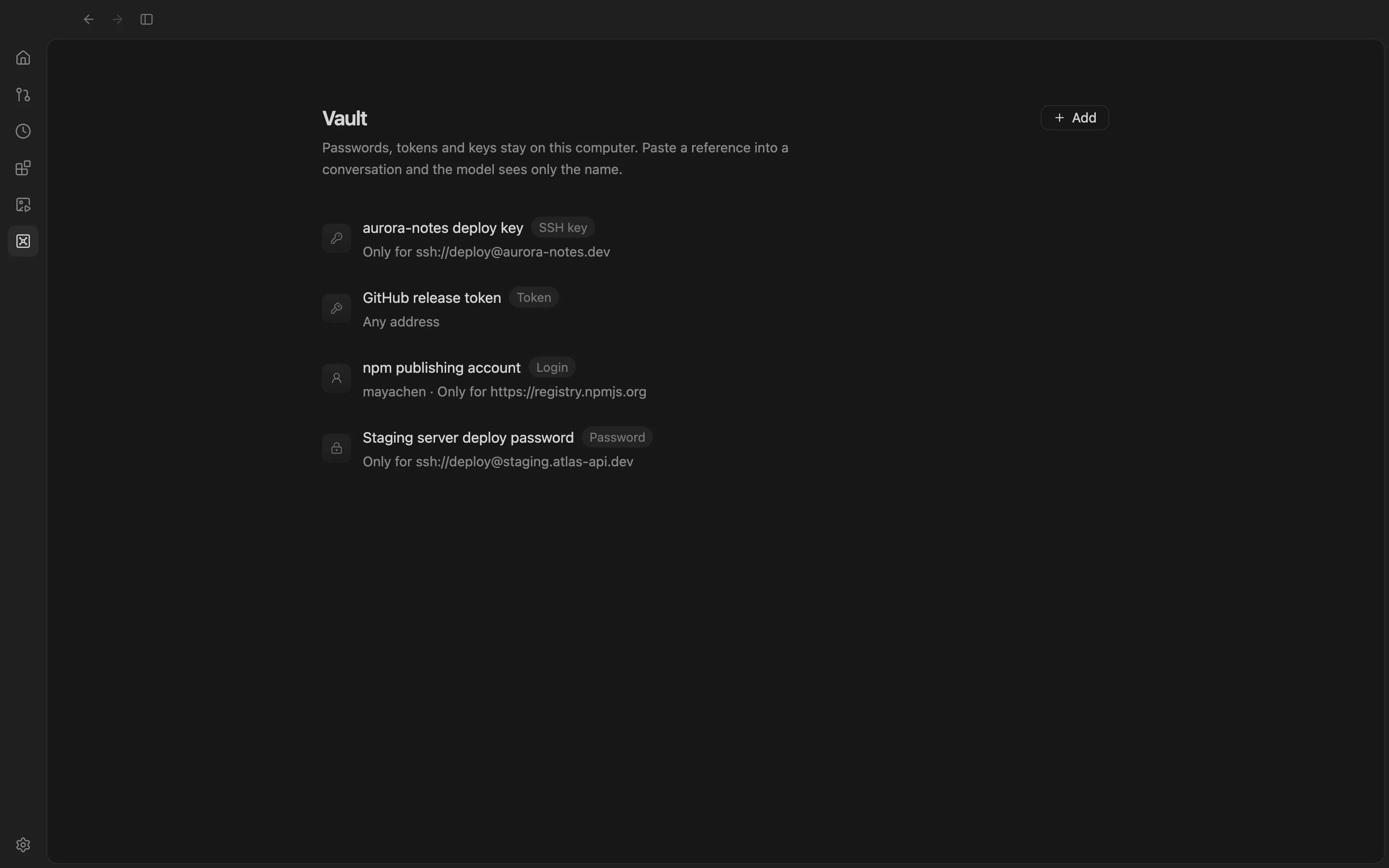
Section titled “The Vault”The Vault is on the left-hand rail, under Studio. Everything saved from a card is here, and you can add your own.
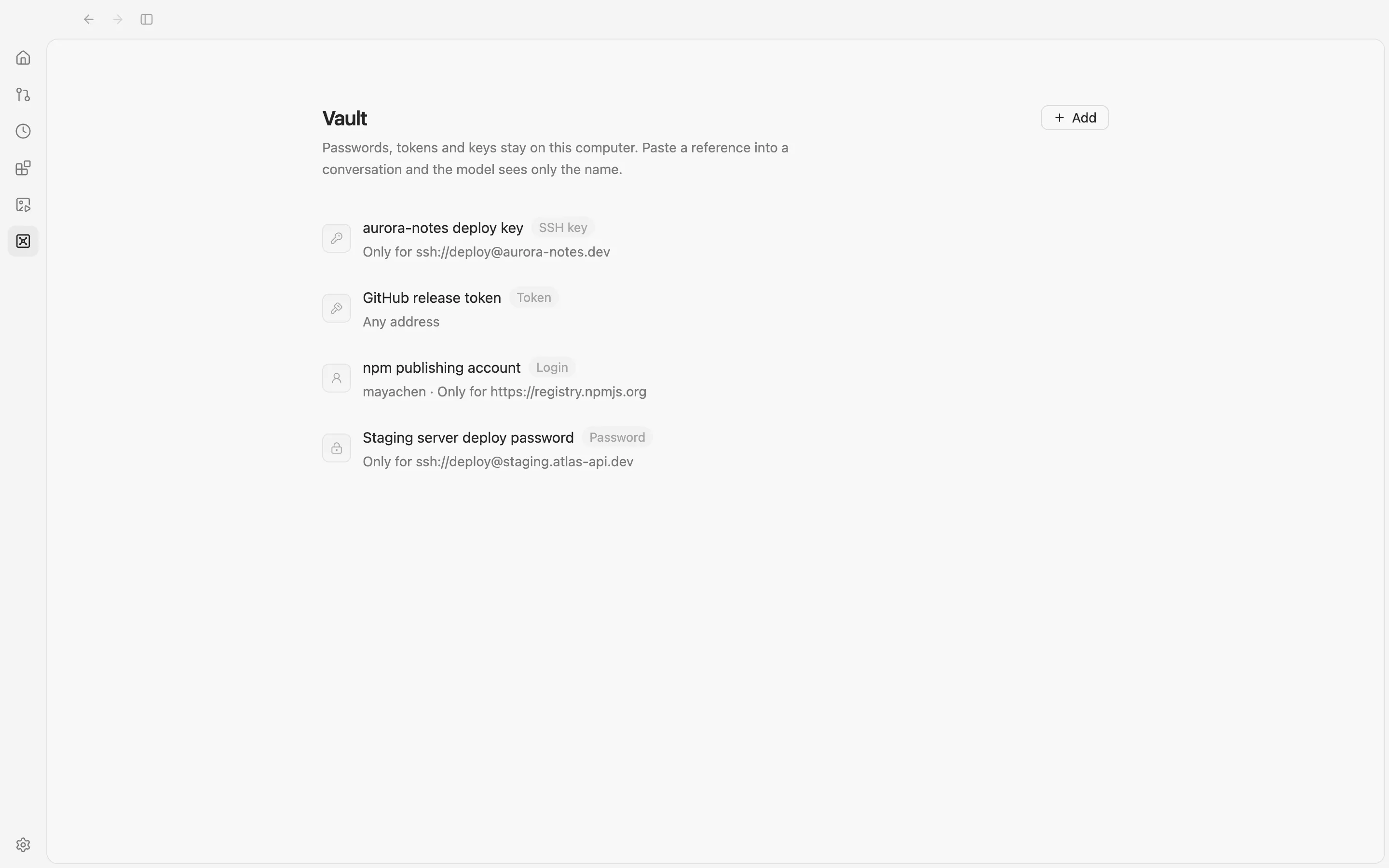
- Press Add and pick Password, Login, Token or SSH key.
- Give it a Name, such as “NAS admin”. The Reference name under it is made from the name and can be changed — lowercase letters, digits and hyphens only — until you save; after that it’s fixed.
- Enter the value.
- Under Only for, write
ssh://user@hostorhttps://site, or leave it empty for anywhere. - Under Before a conversation uses it, choose when you’re asked: Ask once per conversation (the default), Ask every time it is used, or Don’t ask.
A saved value is never shown again. Click a row to change its name, Only for and Before a conversation uses it; to change the value, press Enter again and fill in every field of its kind.
The buttons on a row:
| Button | What it does |
|---|---|
| Copy reference | Copies [credential:name]. Paste it into a message and that conversation can use the credential without a card (one set to Ask every time it is used still asks) |
| Copy password, Copy token | Puts the value on the clipboard and clears it 30 seconds later, unless you’ve copied something else since |
| Copy public key | For an SSH key, copies the public key line, which isn’t cleared |
| Delete | Conversations using it lose it at once. This can’t be undone |
Narrow Only for or delete an entry, and conversations already using it follow at once, not just new ones.
Asking what a password is
Section titled “Asking what a password is”Ask “what’s the NAS password?” and the model still can’t see it. It can look up what the Vault holds with list_credentials, and name the right one in its reply. That name is drawn as a small chip: click it and the value is copied to the clipboard, then cleared 30 seconds later. A reference you paste into your own message becomes the same chip.
A chip for a name the Vault doesn’t have can’t be clicked.
Pasting a password into a message
Section titled “Pasting a password into a message”If you paste a value the Vault holds, or one given on a card in this conversation, it’s swapped for its reference before the message is saved or sent. The model and the chat history only ever see [credential:name].
On the phone
Section titled “On the phone”Credentials can only be entered on the computer. On the phone, a credential card can only be refused, and a chip in a reply only copies when clicked on the computer.
Good to know
Section titled “Good to know”- Values are stored encrypted in
~/.lyra/credentials.json, and the key to them isvault.keybeside it. See Data and privacy. - Commands can’t read those two files: inside the sandbox they’re refused outright, and in full access you’re asked first, every time.