
Scheduled tasks
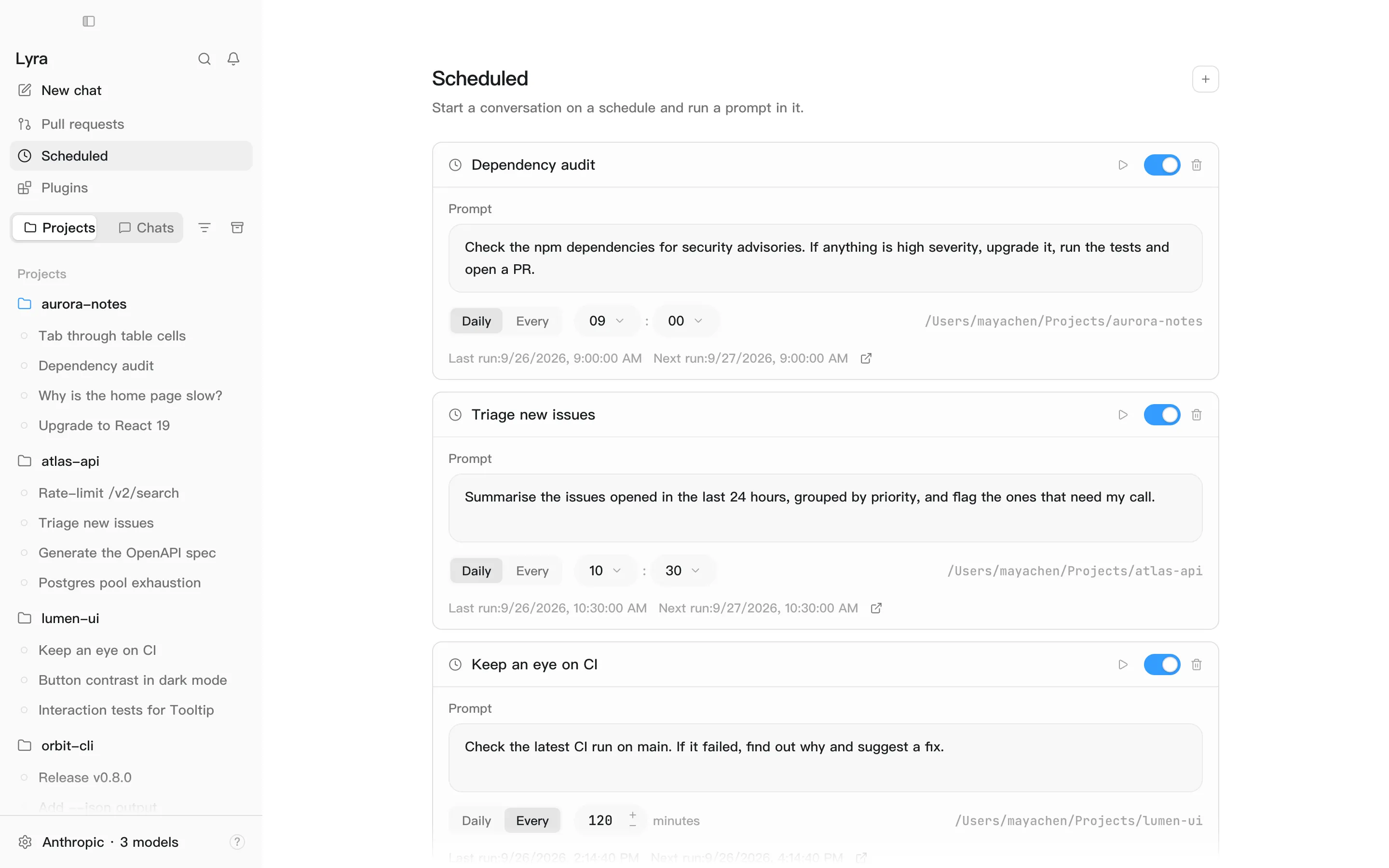
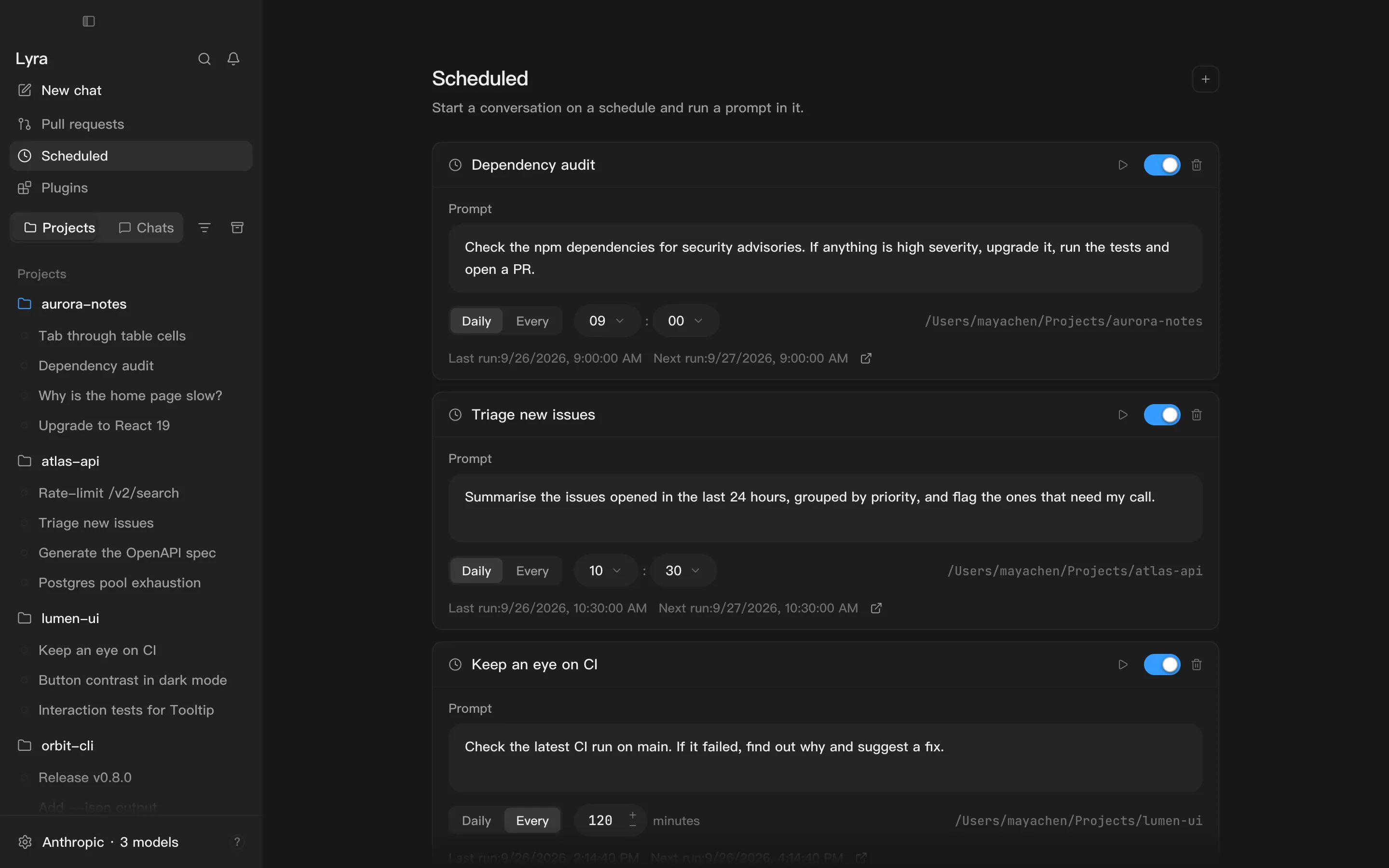
Scheduled in the sidebar starts a fresh conversation on a timer and sends the prompt you wrote. Good for reviewing uncommitted changes every morning, or running the tests every hour and reporting what failed.
Creating a task
Section titled “Creating a task”- Open the project the task should use first. A new task runs in that project’s main folder.
- Sidebar → Scheduled → New.
- Rename it and write the prompt.
- Choose Daily at a time of day, or Every so many minutes.
- Switch it on. New tasks start out paused.
Good to know
Section titled “Good to know”- A fresh conversation every time. Runs don’t pile onto one long history.
- It uses your default model and the current permission mode. An action that needs approval waits for you, and counts as refused if nobody answers within 5 minutes — so think about permissions before leaving a task unattended.
- Lyra has to be running. Nothing runs while it’s closed; when you open it again, a task that came due in the meantime runs once.
- Run it now to try a task without waiting.
- Open the last conversation to see what the latest run produced.
- Deleting a task keeps the conversations it already produced.